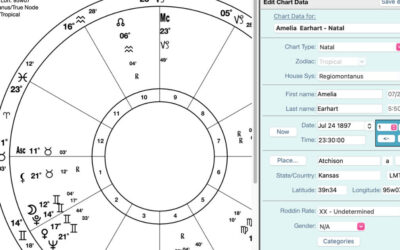
Did you know that up until the 1970s the only technique developed to look at the relationship between two people was by Synastry?
In the early 1970s, John Townley developed the composite chart. Similar to composite charts, the 1970s also gifted us with the Davidson Relationship Charts developed by Ronald C. Davison.
What is the difference between the composite, the Davidson charts, and Synastry?
The composite chart calculates a third chart by measuring the same planet midpoint, e.g., the midpoint of the Moon of person A and the Moon of person B will become the composite chart’s Moon position.
The Davidson chart creates the third chart by finding the middle point of time and space between the charts.
In the synastry comparison, two charts are joined in a bi-wheel, and we note the aspects between planets. These aspects reveal how the energies of each individual interact, highlighting areas of harmony and tension within the relationship.
How do you create a composite chart in astroPeregrine?
- Ensure that the charts needed for the composite chart are in the Working Charts List area [left panel].
2. Select a chart that will activate the choices in the menu above.
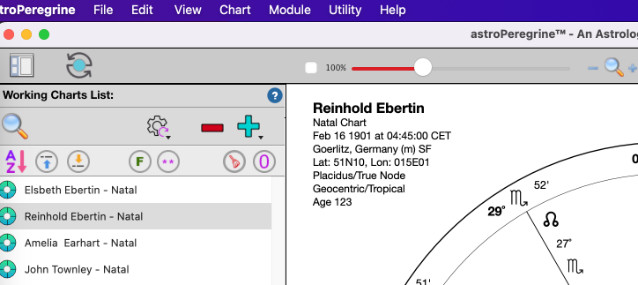
3. From the top menu, select chart > composite > Davidson or Midpoints.

4. The composite menu will open in a small window; you can double-click or drag the second chart > click SAVE

5. Now, we have the composite chart as a subchart of the person in the Name 1 position.

And you are DONE!