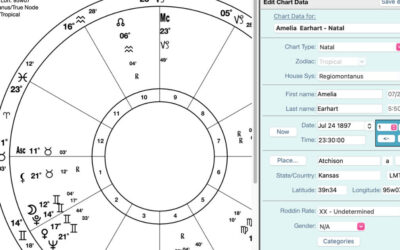
Establishing your current location offers numerous advantages that can significantly simplify your life. The most apparent benefit is that it provides precise longitude in the bottom planetary bar.

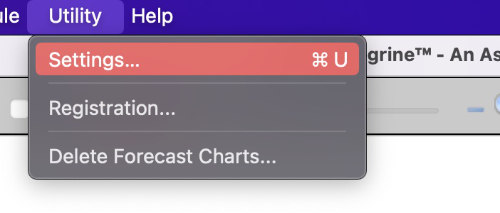
- To add your current place go to the top menu, in the utilities click on settings.
2. Click on the charts icon and your window will look like the image below.
3. Add your current location as if you were creating a new chart.

4. Click “Close” and that is all!